Dupa plasarea solicitării de comandă, in sectiunea Istoric puteti vedea cate solicitări de comandă mai avem de procesat inaintea dumneavoastra
Program de lucru: Luni - Vineri 8:30 - 17:30, pauza 12:30 - 13:30.
Se efectueaza lucrari de mentenanta la site si pot aparea erori. In cazul in care intampinati erori va rugam sa reincercati mai tarziu.
Ridicarea personala este disponibila pentru comenzile achitate in avans. Se pot ridica dupa ce sunt pregatite.

No products
 View larger


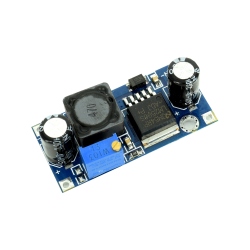
XL1509 USB Voltage Drop Module
0104110000083180
New product
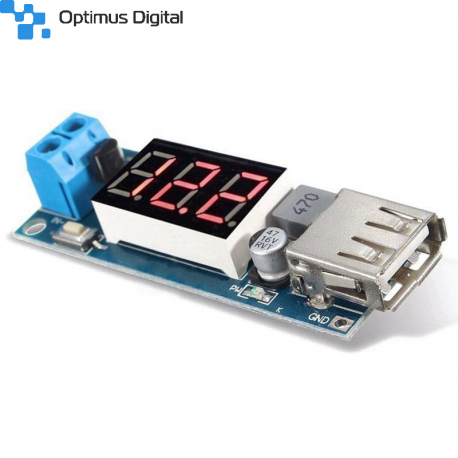
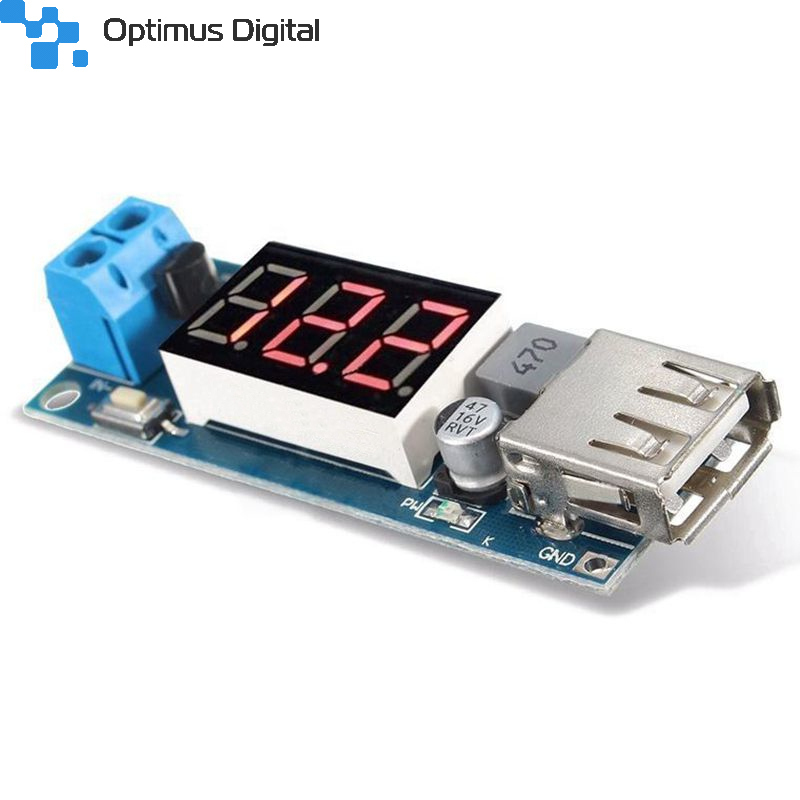
XL1509 USB Voltage Drop Module
See description for more details about the product.
Add to cart now!
This product is no longer in stock
- Write a review
- Remove this product from my favorite's list.
- Add this product to my list of favorites.
More info
Specifications:
- Ultra-wide voltmeter range: DC4.5~40V;
- 5V/2A output current capability (only when the input voltage is 6.5~40V can the stable output voltage of 5.0V);
- One key ("output enable" key) to switch USB output, one key ("low power" key) to enter ultra-low power consumption;
- The on-board voltmeter can be self-calibrated, and there will never be the problem of inaccurate voltmeter
- With reverse connection protection, module will not burn;
- With over-current and over-temperature protection;
- With USB power indicator light;
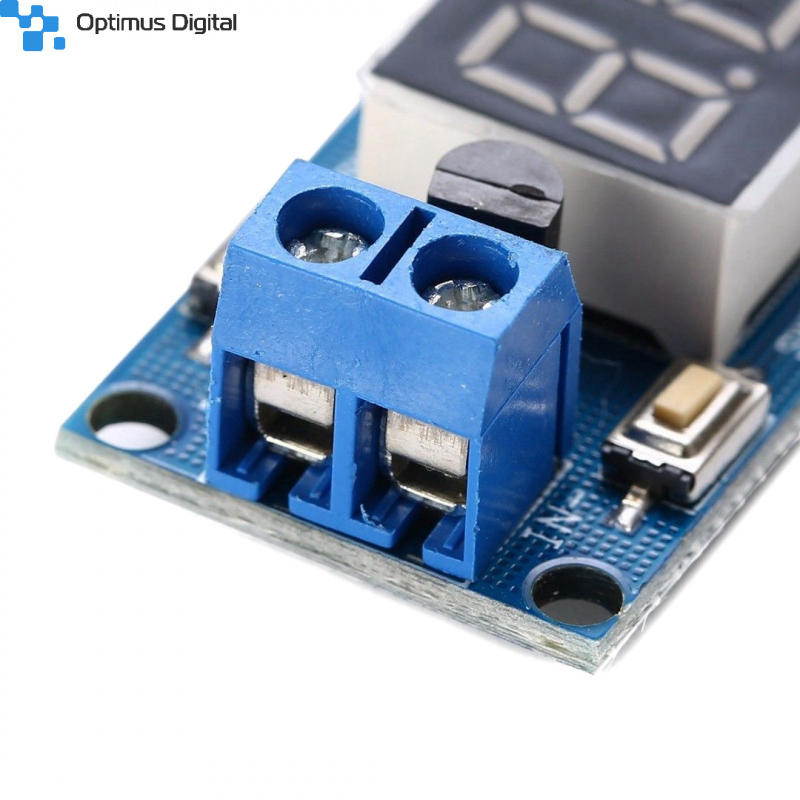
- With terminals, easy to access it;
- High efficiency, low ripple;
- Module size: length 58mm width 21mm height 10mm;
- Weight: 13g;
1. When the on-board voltmeter is working normally, press and hold the "Output Enable" button for 2 seconds and then release it, the voltmeter will flash, and then enter the voltage adjustment mode;
2. Touch the "Output Enable" button, the voltage increases by one unit, and touch the "Low Power Consumption" button, the voltage decreases by one unit; since the voltage value of one unit is less than 0.1V, you need to press 1-5 continuously You can see that the voltmeter has changed by 0.1V only once. The specific number of consecutive key presses depends on the current displayed voltage value. The higher the current displayed voltage, the fewer the number of presses;
3. After the voltage adjustment is completed, press and hold the "Output Enable" button for 2 seconds and then release it. At this time, you can exit the voltage calibration mode, and all parameter settings will be automatically saved after power-off.
Note: With this adjustment method, you only need to calibrate once to get accurate voltage values across the entire voltage range. This function is designed to meet your higher precision requirements, please feel free to use it.
Don't delay. Buy today.
Add to cart now!
Reviews
Customers who bought this product also bought:
-
Li-Ion...
This board is used for Li-Ion batteries that do...
$1.14
-
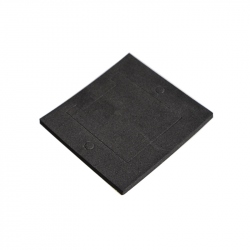
Thermal...
Thermal Insulator for TEC12706 Peltier Modules...
$0.45
-
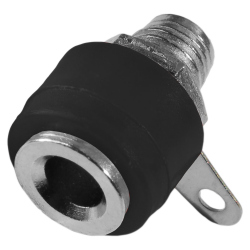
Female...
Female Banana Plug for Panel (Black)
$0.24
-
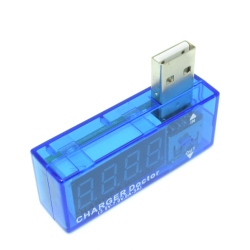
USB Power...
This is a USB monitoring device that can...
$4.00
-
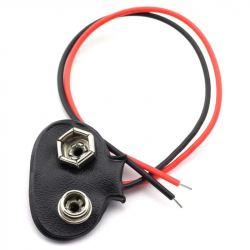
9v Battery...
This product is used to connect a 9 volt...
$0.31
-
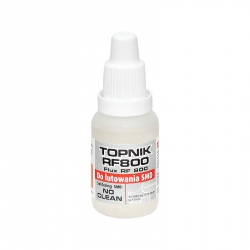
Flux...
Flux Solution (SMD 15 ml) See description for...
$3.60
-
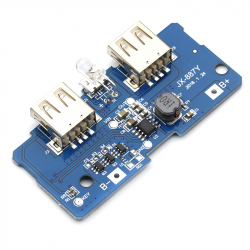
DC-DC Boost...
DC-DC Boost Module with microUSB Input,...
$2.88
-
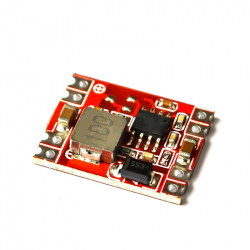
Mini Step...
DC-DC 8 stamp hole DC-DC 3 A step-down power...
$2.40
-
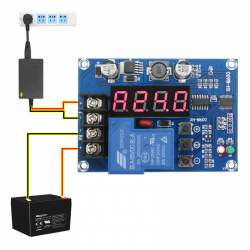
Battery...
Battery Charge Controller Module with...
$7.20
-
LM2596...
LM2596 step-down power supply module is...
$1.25