Dupa plasarea solicitării de comandă, in sectiunea Istoric puteti vedea cate solicitări de comandă mai avem de procesat inaintea dumneavoastra
Program de lucru: Luni - Vineri 8:30 - 17:30, pauza 12:30 - 13:30.
Se efectueaza lucrari de mentenanta la site si pot aparea erori. In cazul in care intampinati erori va rugam sa reincercati mai tarziu.
Ridicarea personala este disponibila pentru comenzile achitate in avans. Se pot ridica dupa ce sunt pregatite.

No products
 View larger
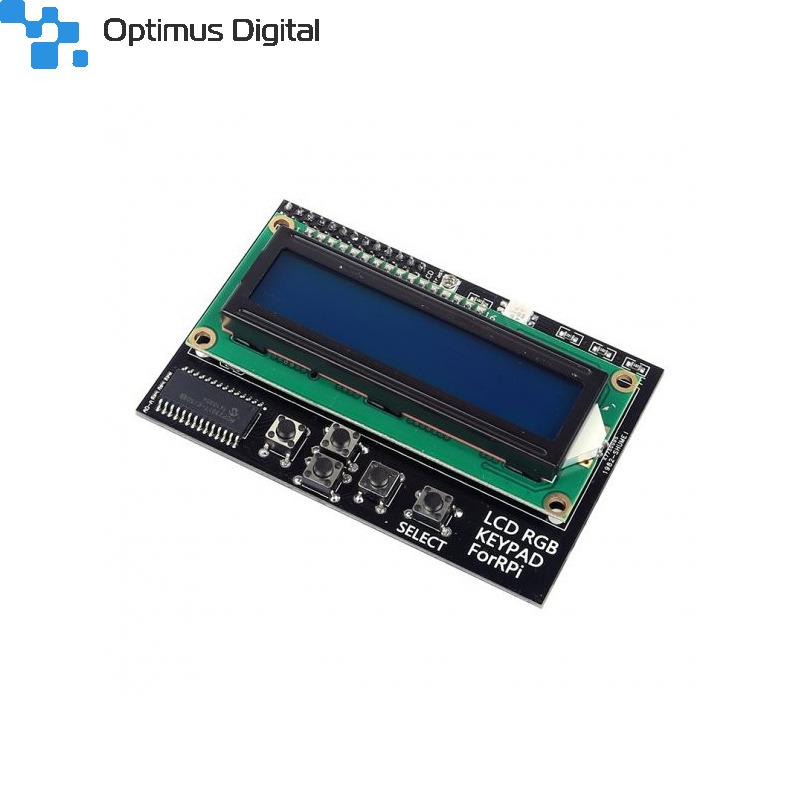

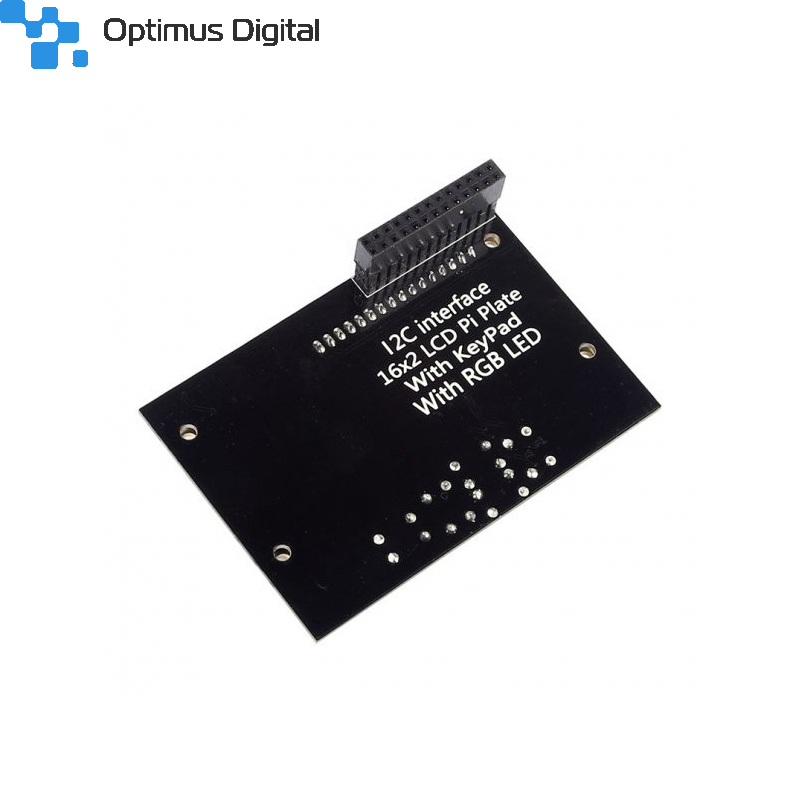
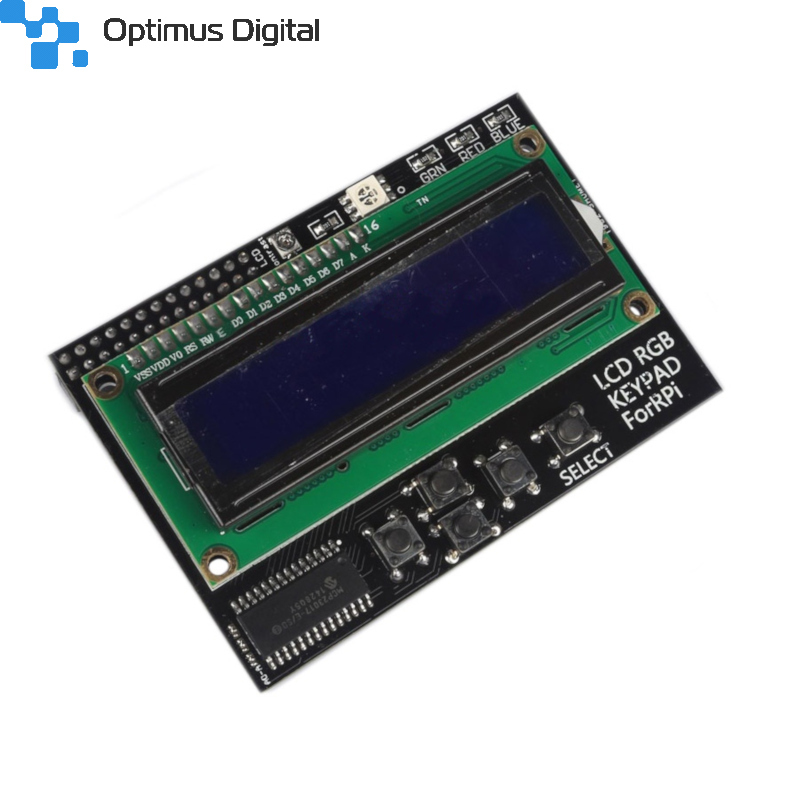
1602 LCD Hat for Raspberry Pi
0104110000009838
New product
LCD Hat 1602 for Raspberry Pi that includes a 2-line and 16-column alphanumeric display, an RGB LED and a keyboard.
See description for more details about the product.
Add to cart now!
This product is no longer in stock
- Remove this product from my favorite's list.
- Add this product to my list of favorites.
More info
Description
Raspberry Pi Hat LCD Plate includes a 16-line and 2-column alphanumeric LCD display, an RGB LED, contrast-trimmer trimmer and keyboard.
This board has an I2C interface, based on the integrated MCP3017 circuit board, an I / O expansion chip that allows control of the 2-pin LCD from Raspberry Pi.
Specifications
- 16-line, 2-column alphanumeric LCD
- Integrated RGB LED
- Trimmer to adjust contrast
- Keyboard
- I2C interface
Instructions for use
We recommend using the Raspibian operating system for this LCD.
First we update packages:
sudo apt-get update
sudo apt-get upgrade
Install git:
sudo apt-get install git-core
Download Wiring Pi:
git clone git://git.drogon.net/wiringPi
We compile Pi Wiring:
cd wiringPi
/build
We enable the I2C interface from the advanced options menu of raspi-config:
sudo raspi-config
Now the board must be reset to start with I2C enabled. After restart I2C load the I2C driver and scan the I2C bus:
sudo modprobe i2c-dev
sudo i2cdetect -y -a 1
Now a device identified on I2C at 0x20 has to appear.
To test the LCD, write the following code in the lcd1602.c file:
#include <stdio.h>
#include <wiringPi.h>
#include <mcp23017.h>
#include <lcd.h>

int main ()
{
        int display, i, count;
        wiringPiSetup ();
        mcp23017Setup (100, 0x20);
        printf ("Raspberry Pi - MCP23017 Test");
        for (i = 0; i <16; i ++)
          pinMode (100 + i, output);
        digitalWrite (114.0);
        display = lcdInit (2,16,4,115,113,112,111,110,109,0,0,0,0);
        lcdHome (display);
        lcdClear (display);
        lcdPosition (display, 0.0);
        lcdPuts (display, "Hello World");
        while (1)
        {
                lcdPosition (display, 0.1);
                lcdPrintf (display "% d", count ++);
                delay (300);
                printf ( "lcd1602n");
        }
}
We compile the program:
gcc lcd1602.c /home/pi/wiringPi/devLib/lcd.o -lwiringPi -o lcd1602
We run the program and we should see a text on the screen:
./lcd1602
Don't delay, buy today.
Add to cart now!
Reviews
Python code
Pentru cine doreste sa il foloseasca prin Pyhton
https://learn.adafruit.com/adafruit-16x2-character-lcd-plus-keypad-for-raspberry-pi/python-usage
Dumitru
Comanda at fi:
gcc lcd1602.c -lwiringPi -lwiringPiDev -o lcd1602
Si nu mai e nevoie sa ai sursele de wiringPi doar sa fie instalat pachetul.
I2Cdetect
Inainte de sudo i2cdetect -y -a 1 adaugati va rog sudo apt-get install -y i2c-tools !
Mi-am spart putin capul pana am inteles :). E un produs foarte interesant !
- 11 out of 13 people found this review useful.
Customers who bought this product also bought:
-
MAX7219 LED...
This module used MAX7219 chip to drive 8 x 8...
$4.20
-
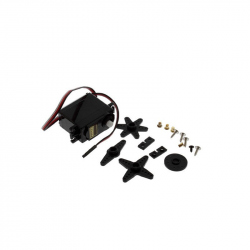
S3003...
This is a high precision servo motor for your...
$7.20
-
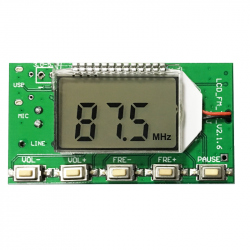
FM Radio...
This mini FM transmitter can be used for...
$15.60
-
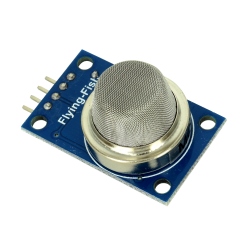
MQ-5 Gas...
The MQ-5 Gas Sensor Mode is ideal for detecting...
$2.64
-
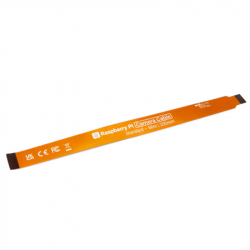
Raspberry Pi...
Original Product
$1.36
-
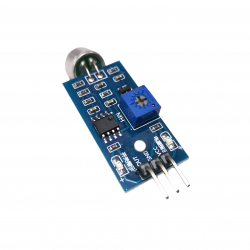
Sound Sensor...
This module is very useful in detecting sound...
$0.96
-
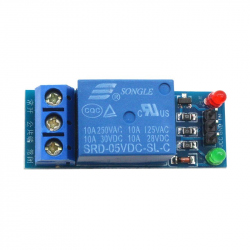
Relay Module...
Relay mode with a channel suitable for...
$1.20
-
2.54 mm...
2.54 mm (40p) Green Pin Header See...
$0.24
-

Double...
Double-sided tape is any pressure-sensitive...
$1.44
-
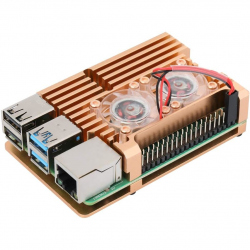
Heatsink...
Heatsink Case for Raspberry Pi 4 (Gold Color,...
$18.00