Dupa plasarea solicitării de comandă, in sectiunea Istoric puteti vedea cate solicitări de comandă mai avem de procesat inaintea dumneavoastra
Program de lucru: Luni - Vineri 8:30 - 17:30, pauza 12:30 - 13:30.
Se efectueaza lucrari de mentenanta la site si pot aparea erori. In cazul in care intampinati erori va rugam sa reincercati mai tarziu.
Ridicarea personala este disponibila pentru comenzile achitate in avans. Se pot ridica dupa ce sunt pregatite.

No products
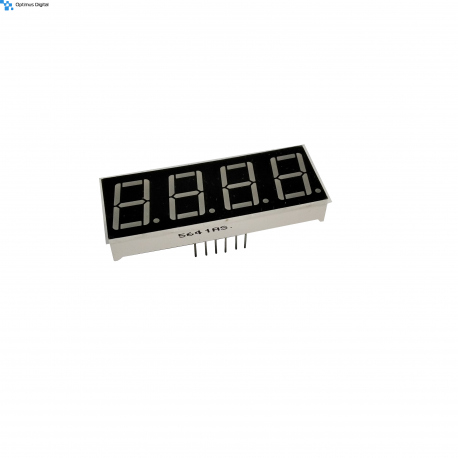 View larger
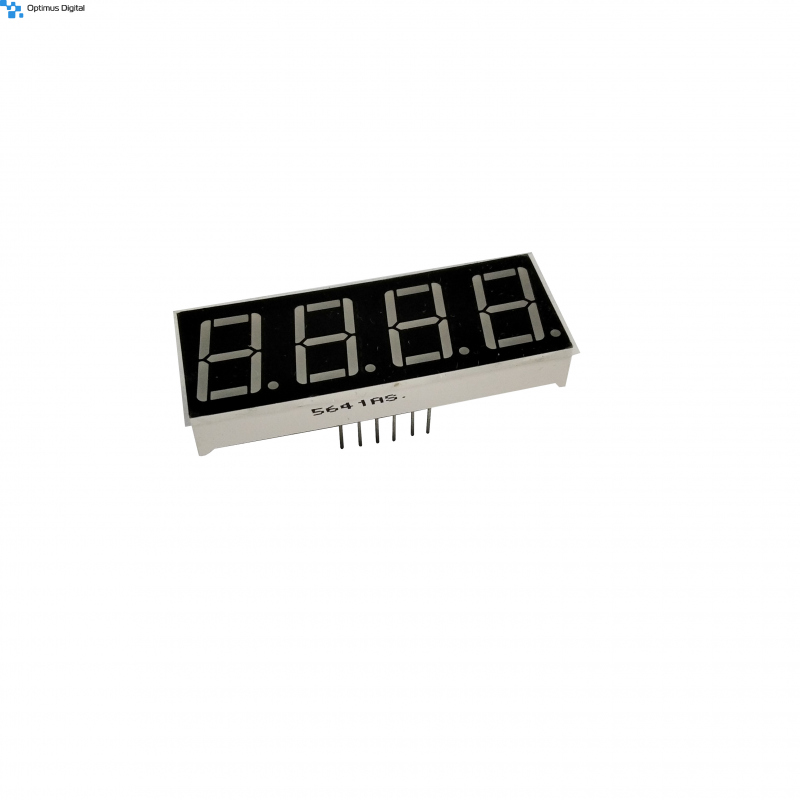
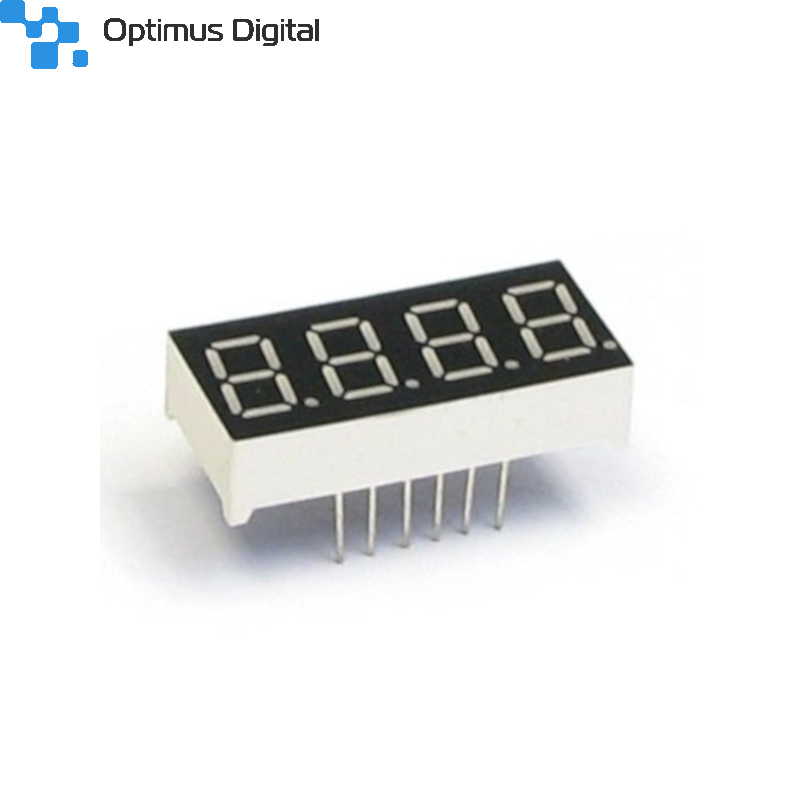
5641AS 4 Digit LED Display Common Cathode
0104110000093455
New product
5641AS 4 Digit LED Display Common Cathode
See description for more details about the product.
Add to cart now!
788 Items
- Write a review
- Remove this product from my favorite's list.
- Add this product to my list of favorites.
More info
Technical Specifications
- 4 digit display, 7 segments
- Dimensions: 50x19 mm (Length x width).
- Maximum: 10 mA / segment
Instructions for use
1. Make the hardware connections.
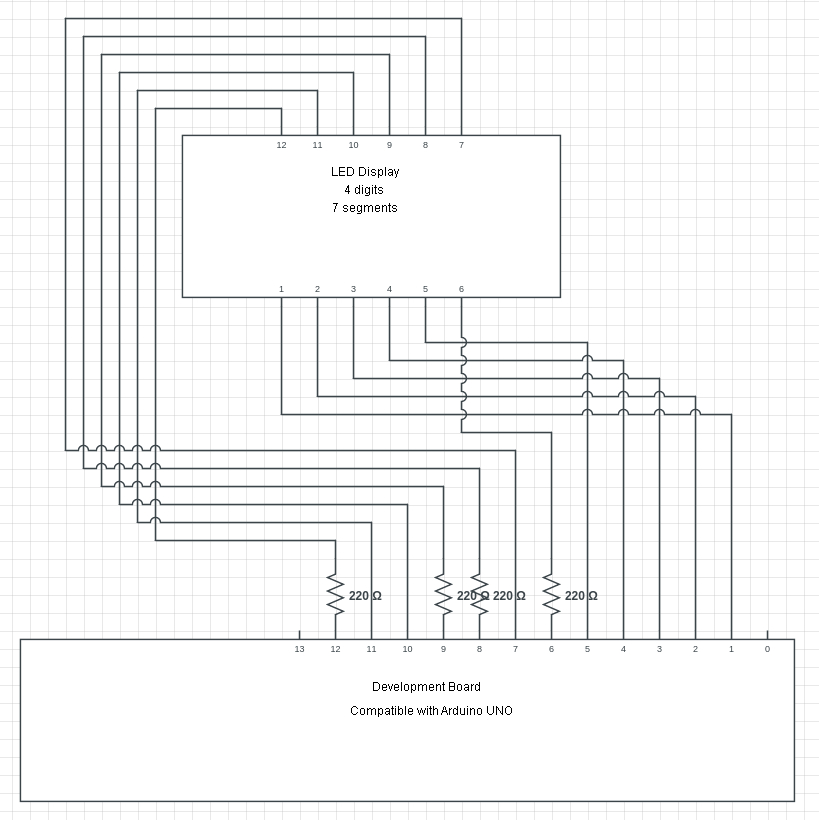
The common cathode LED display requires the use of 4 220 Ω resistors to be used with an Arduino UNO-compatible development board. Being a common cathode, the resistors will be mounted on the pins that select the digits.
To deduce the significance of each pin, see the attached images below:
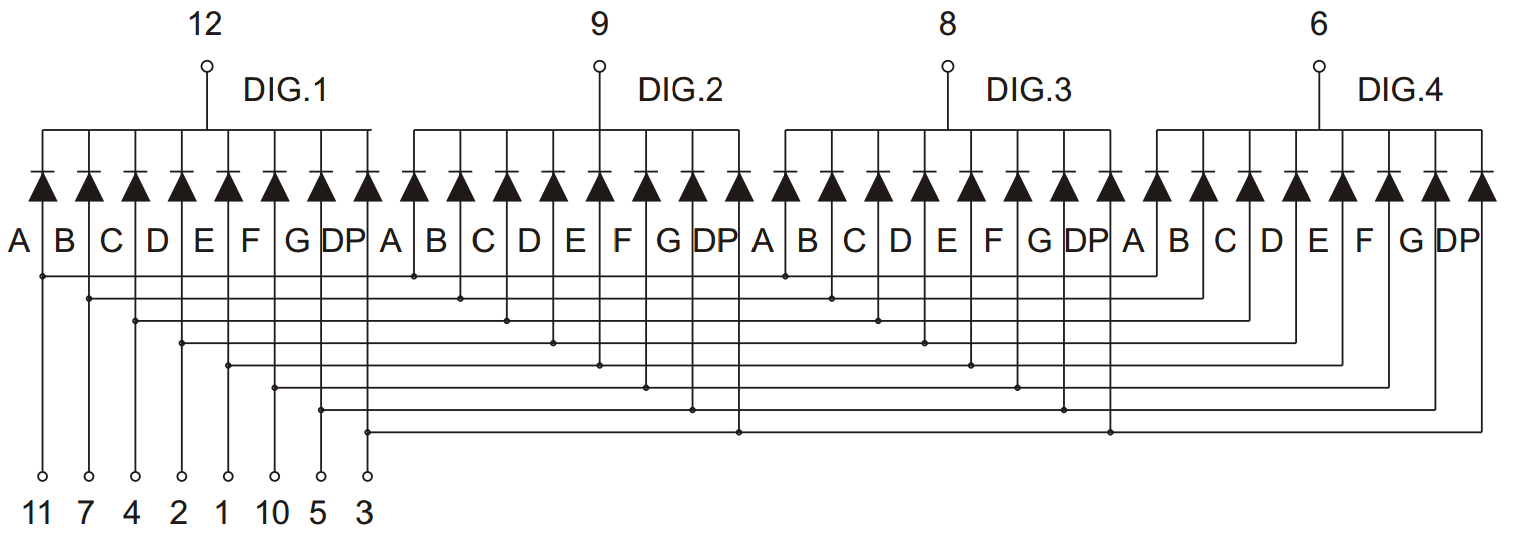
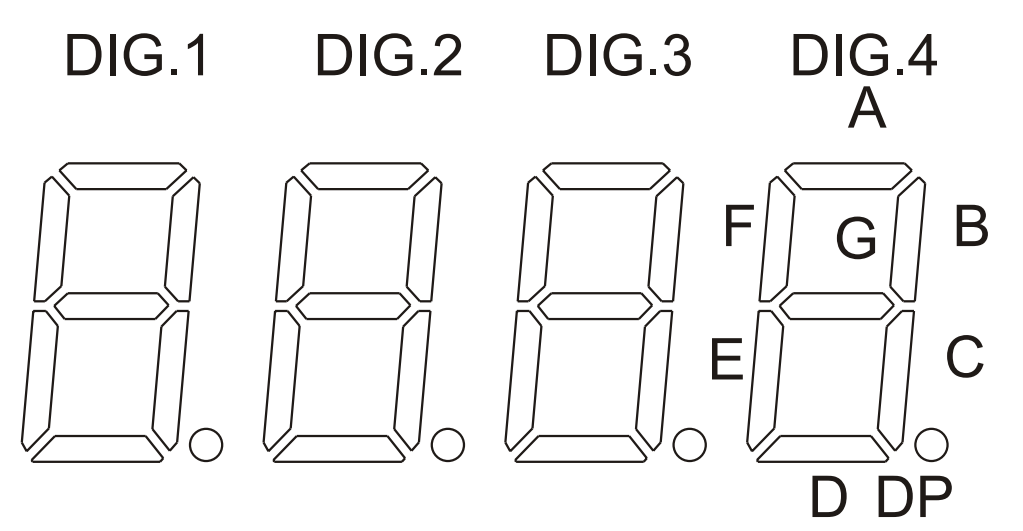
Connecting to a development board is easy because each pin has to be connected to a digital pin. A connection scheme would be the following:
2. Load the code on the development board.
If you do not have the segment display experience, you can download a library specifically created for this component. This is called "SevSeg" and can be downloaded from the Arduino IDE development environment, following the following steps: open SKETCH> INCLUDE LIBRARY> MANAGE LIBRARIES and search for "SevSeg". To load an example, go to EXAMPLES > SevSeg and select one of the examples. You also need to make sure that the declared pins match the connections made and that the corresponding screen type ("COMMON_CATHODE") is selected.
Don't delay, buy today.
Add to cart now!
Reviews
Customers who bought this product also bought:
-
Plastic...
Plastic Hexagonal Nuts, Transparent, M3
0,19 lei
-
Mini...
Mini Submersible Water Pump See description...
9,99 lei
-
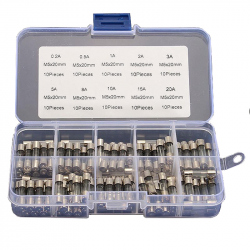
5 x 20 mm...
5 x 20 mm Fuse Kit (0.2 - 20 A, 100 pcs) See...
28,30 lei
-
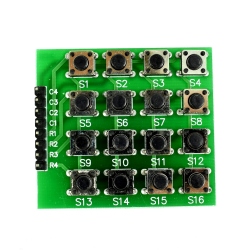
4x4 Push...
Matrix keypad 4x4 with useful buttons in your...
3,99 lei
-
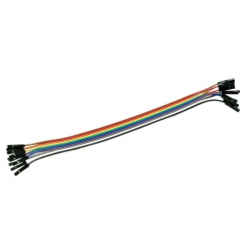
20 cm 10p...
Ideal wires for making connections for...
3,76 lei
-
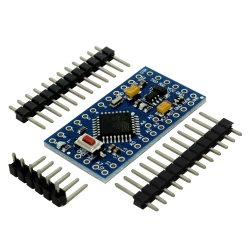
Development...
Development Board Compatible with Arduino Pro...
19,99 lei
-
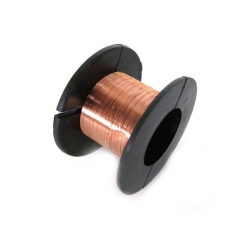
0.1 mm...
This wire can be weld directly to connect...
3,99 lei
-
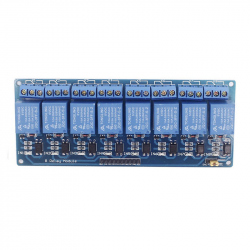
Blue...
This module allows you to control several high...
24,99 lei
-
Orange LED...
Orange LED Module for LilyPad See description...
1,99 lei
-
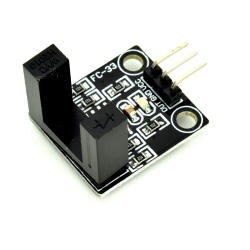
Miniature U...
This miniature U shape photoelectric sensor is...
3,08 lei